Ink and toner overview
Printer Cartridges Rossendale: Ink and Toner Hub
Use this hub when you manage different printer types or are not yet sure whether the machine needs liquid ink, laser toner or another consumable.
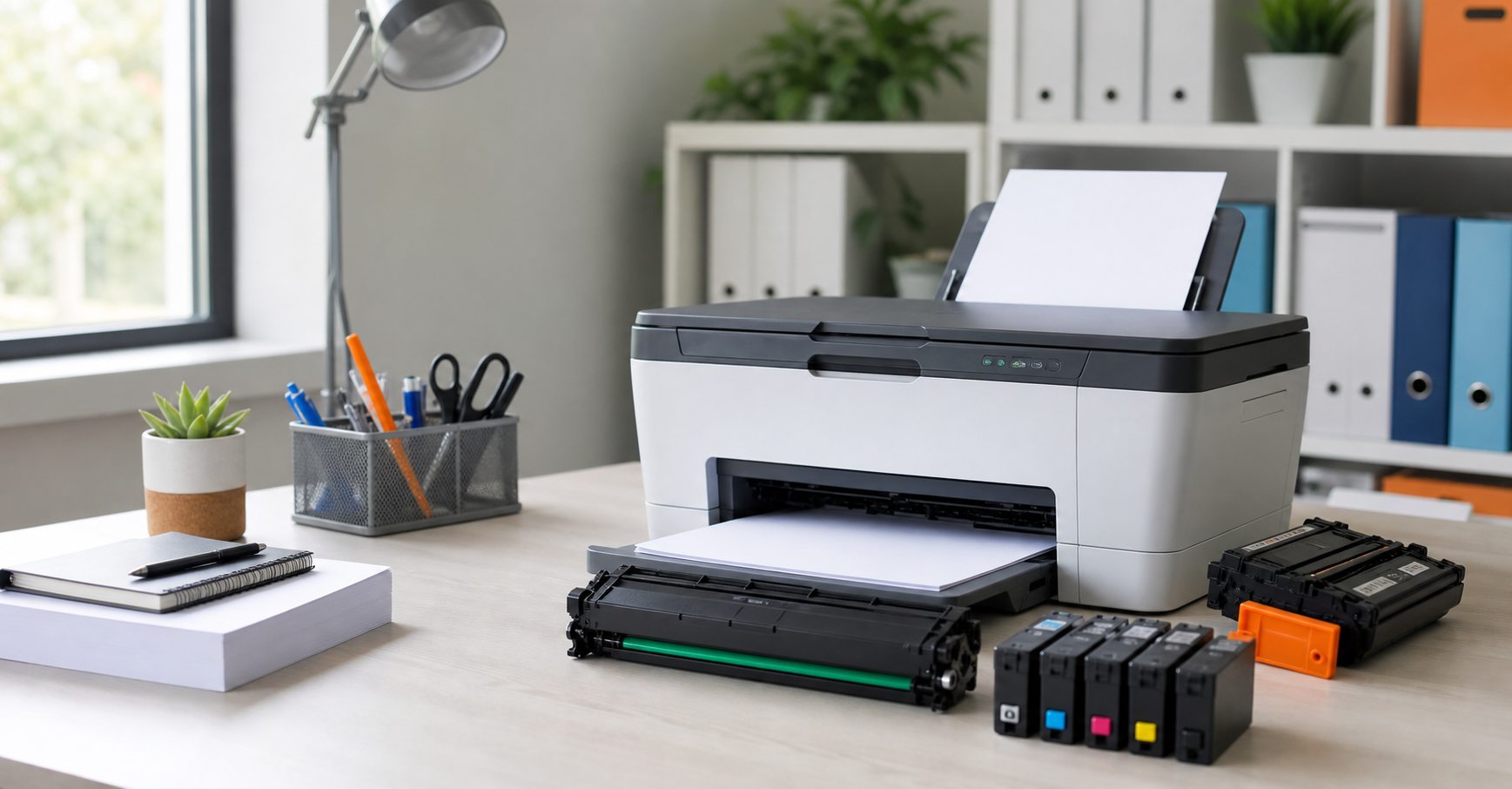
Compare ink formats, colours, multipacks and standard or higher-yield choices.
Understand mono and colour toner, page yields and separate drum messages.
Organise models, cartridge codes and quantities before requesting supply help.
Choose the route that matches the printer
Printer cartridge is a broad term. An inkjet uses liquid ink cartridges or tanks, while a laser printer uses powdered toner and may also have a drum, imaging unit or waste-toner container. Those supplies are not interchangeable. Start with the full printer model and the wording shown on its display rather than choosing by cartridge shape.
For inkjet-specific choices, continue to the Rossendale ink cartridge types guide. For laser devices, the toner cartridge and yield guide explains mono, colour and capacity decisions. If you are still identifying the item, use the cartridge compatibility checklist.
Different users need different buying paths
Home and home-office printing
Occasional printing can make a smaller immediate purchase attractive, but long gaps between print jobs matter for inkjet use. Check whether the machine uses combined colour or separate tanks, and only buy a multipack when the colours and capacity suit your actual use.
Businesses, schools and organisations
For several printers, list each model, cartridge code and location separately. Add the usual monthly quantity and any purchasing preference. This makes repeat ordering clearer and avoids pairing a supply code from one device with another machine.
Customers who already know they need local ink supply can use the printer ink delivery page. Workplaces planning recurring laser supplies should use the business toner supply page. These pages cover service and continuity rather than repeating the product guides.
Compare the complete choice, not one headline
Original and compatible cartridges can both be appropriate when they are correctly specified. Compare the exact printer fit, colour, stated yield, purchase price, expected print work and support available. Published page yields are comparison figures under test conditions; photographs, graphics, cleaning cycles and page coverage change real output.
The advice article on original and compatible printer cartridges gives a balanced checklist. If you are responsible for several devices, record what was installed and how it performed so the next order is based on your own normal workload.
A simple decision path
1. Identify the technology
Confirm inkjet or laser from the model specification and consumable wording. Do not infer it from the brand alone.
2. Confirm the exact family
Cross-check the complete model against the old cartridge code, colour and supported yield.
3. Choose the ordering route
Use the catalogue when the code is known, or request a checked quote for ambiguity, several printers or repeat quantities.
4. Confirm fulfilment
Include the Rossendale delivery area and deadline, then wait for availability and timing to be confirmed.
You can also begin with the printer brands directory. For a confusing warning or installation issue, review common cartridge problems and practical checks before replacing another part.
Need a clear route through ink and toner choices?
Send the printer models, cartridge codes and quantities for a checked Rossendale quote, or call Monday to Friday, 9-5.