Identification and compatibility
Find the Right Printer Cartridge in Rossendale
Use the printer model, old cartridge code and clear label photographs to prevent a wrong ink or toner order.
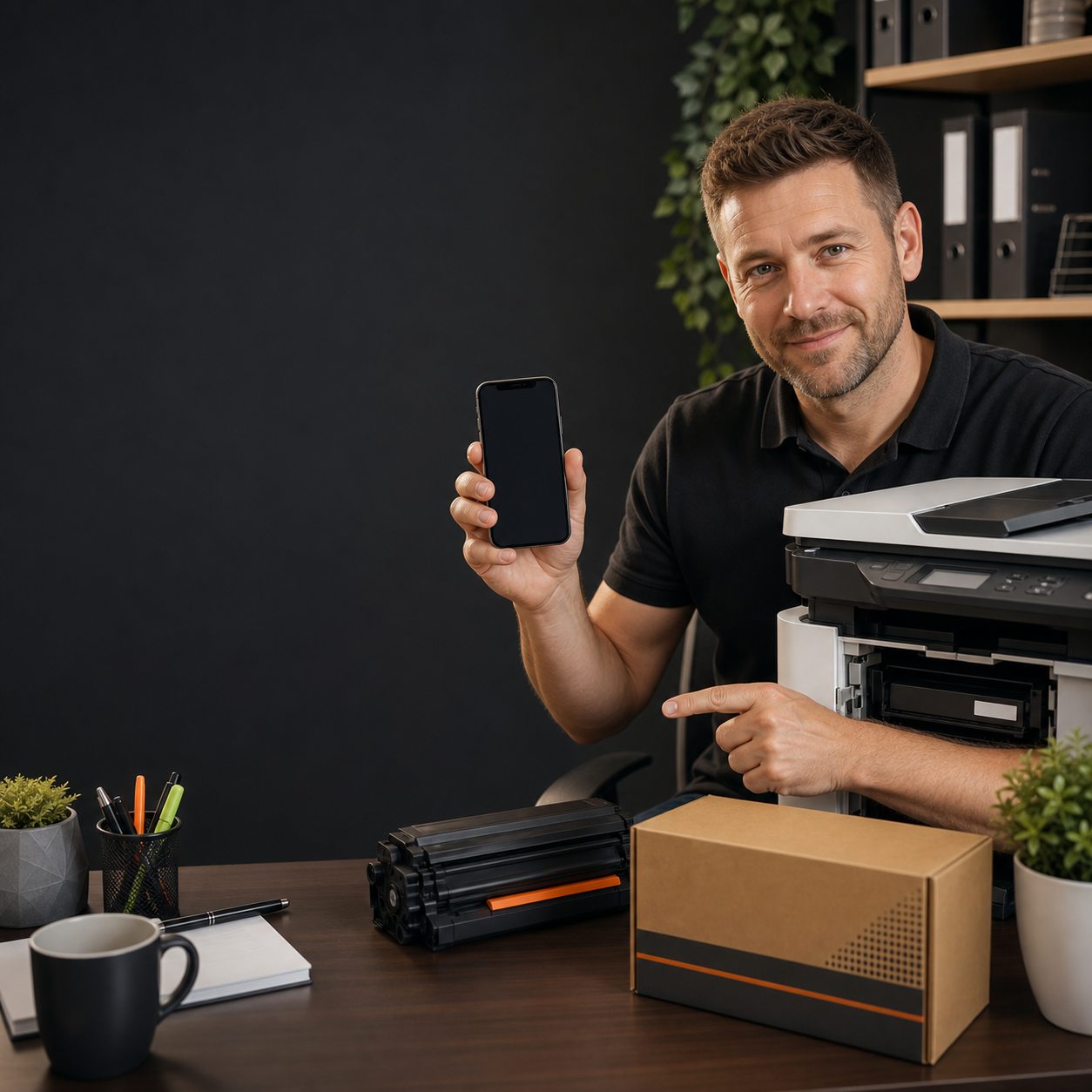
Record the complete make, number and suffix from the machine label.
Copy the full printed code, including colour and capacity letters.
Show both labels square-on in good light when the naming is uncertain.
Step 1: find the complete printer model
The large family name on the front of a printer may not be specific enough. Look for the identification label at the rear, underneath, inside a door or in the settings menu. Record every letter, number and suffix in the model name.
Two printers with similar badges can take different supplies. Do not remove a suffix because it looks like a feature code, and do not search from the brand alone. If you know the manufacturer, the printer brands directory gives a useful route once the complete model is available.
Step 2: copy the old cartridge code
Read the printed label on the cartridge, toner or empty box. Copy the entire product number, including hyphens and letters that may identify colour, capacity or region. A partial code can point to several products.
Use the label rather than the casing shape. Manufacturers can reuse a general shape across incompatible cartridge families, and online product photographs may be illustrative. If the old cartridge and printer model point to different families, stop and recheck which printer the cartridge came from.
Inkjet details
State black, tri-colour or each individual ink. Check whether the printer supports standard and XL versions and whether a listing is a single cartridge or multipack.
Laser details
State black or the exact colour toner. Copy any message that names a drum, imaging unit or waste-toner container instead of assuming toner is required.
Step 3: take photographs that can be checked
Photograph the printer model label and cartridge label square-on in good light. Fill the frame while keeping the whole code visible, avoid glare, and take a second wider image when several machines are nearby. A blurred photograph of the cartridge shape is less useful than a sharp label.
Written details and photographs should support each other. Do not use a screenshot of a generic shopping result as proof of what is installed. A recent invoice can help when it clearly belongs to the same printer, but compare it with the physical labels before repeating the order.
Step 4: cross-check compatibility before ordering
The printer model and old supply code should identify the same product family. Then confirm colour, yield and quantity. A standard and higher-yield option may both fit, but only when the model documentation lists both. Never force a cartridge that does not enter or lock into place normally.
For ink-specific product choices, use the ink types, colours and yield guide. For toner yield and separate laser components, use the laser toner product guide. The broader ink and toner hub helps when the printer technology itself is uncertain.
Evidence agrees
When model, code, colour and yield all align, use the catalogue or submit those details for a quote.
Evidence conflicts
Pause, retake the labels and include the exact printer message. Choosing the nearest-looking code can create a wrong order.
What to send Cartridge Care Rossendale
Include the complete printer model, full old-cartridge code, required colour, yield preference, quantity and Rossendale delivery area. Add sharp photographs when a code is worn or two products look similar. Use the quote form to keep several lines together.
Cartridge Care Rossendale supports local homes, businesses, schools and organisations. Free next-day delivery may be available on qualifying orders. Same-day delivery is subject to availability, and collection is by prior arrangement only. Check the Rossendale delivery areas and wait for timing to be confirmed.
Send the evidence for a checked cartridge match
Provide the model, old code, colour, yield, quantity and clear label photographs so the order does not depend on guesswork.