Ink cartridges for Rossendale printers
Match black and colour ink cartridges to your inkjet printer, with clear local advice before you buy.
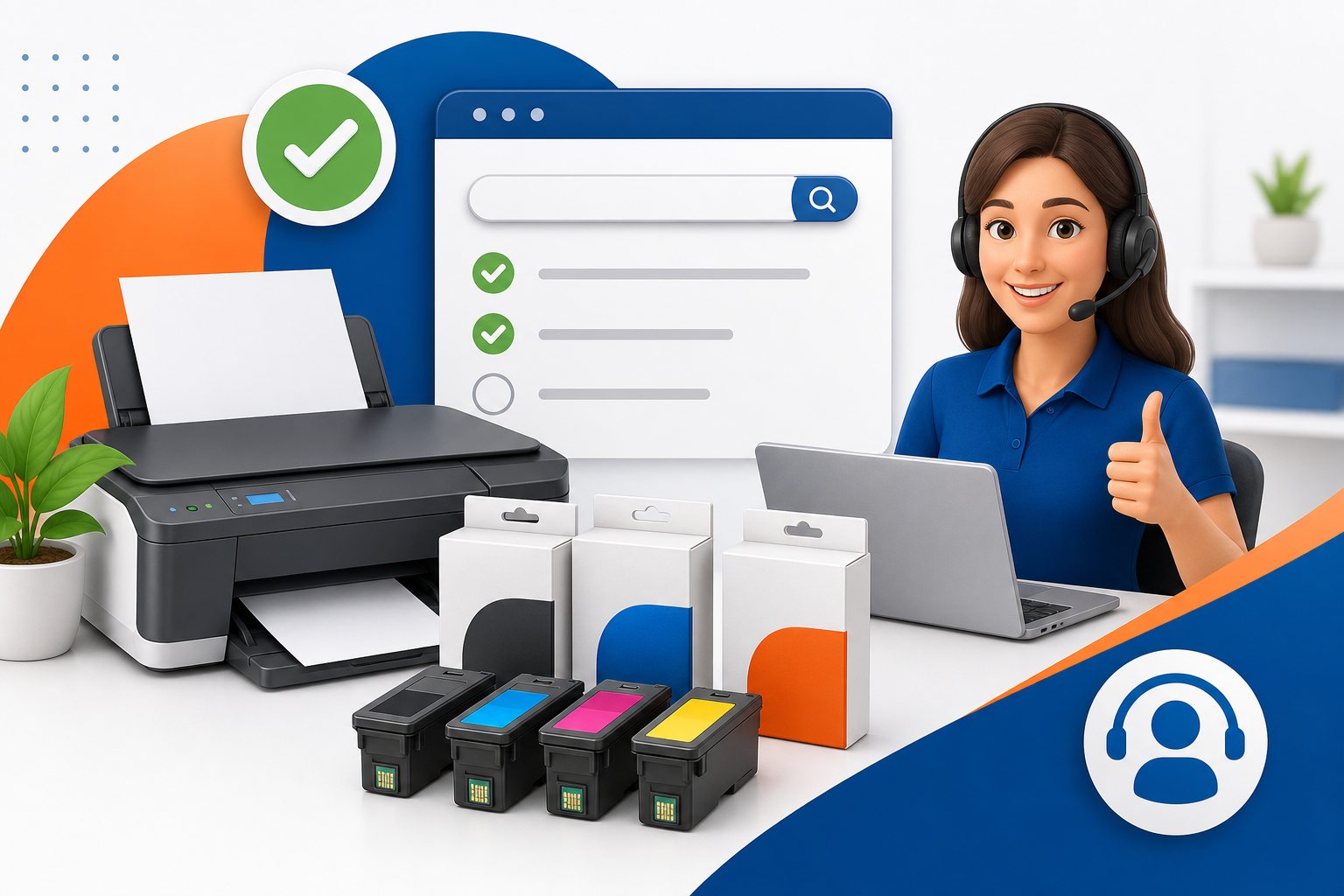
Start with the printer, not a guess
Inkjet cartridge ranges can include standard, XL and multipack choices with very similar names. The safest starting point is the complete printer model, followed by the cartridge number already installed. We help customers make sense of those options before ordering.
Standard or XL
XL cartridges usually contain more ink, but suitability depends on the printer family and how often you print.
Black and colour
Some printers use a black cartridge plus one tri-colour cartridge. Others use separate cyan, magenta, yellow and photo colours.
Avoid compatibility errors
Matching only the shape or brand is unreliable. Check the printer model and full cartridge code, including any suffix.
Which page should you use?
Use this compatibility page when you know the machine is an inkjet printer and want to understand cartridge formats. Our main printer ink cartridges page remains the central ordering and local service page.
Help before you order
Can I use XL cartridges in my printer?
Only if the printer model lists that XL cartridge family as compatible. We can check the model before you order.
Why does my printer reject a new cartridge?
Possible causes include an incorrect family, a protective strip left in place, dirty contacts or a printer update. Confirm the code first before troubleshooting further.
Can you help from a cartridge photo?
Yes. A clear photo of the cartridge label and the printer model can help identify the correct replacement.
Need a cartridge match?
Send the printer model or cartridge code for practical help from Cartridge Care Rossendale.