Printer cartridge basics
Inkjet and laser printers use different supplies. A quick check of the printer, its model label and the old cartridge will tell you which route to follow.
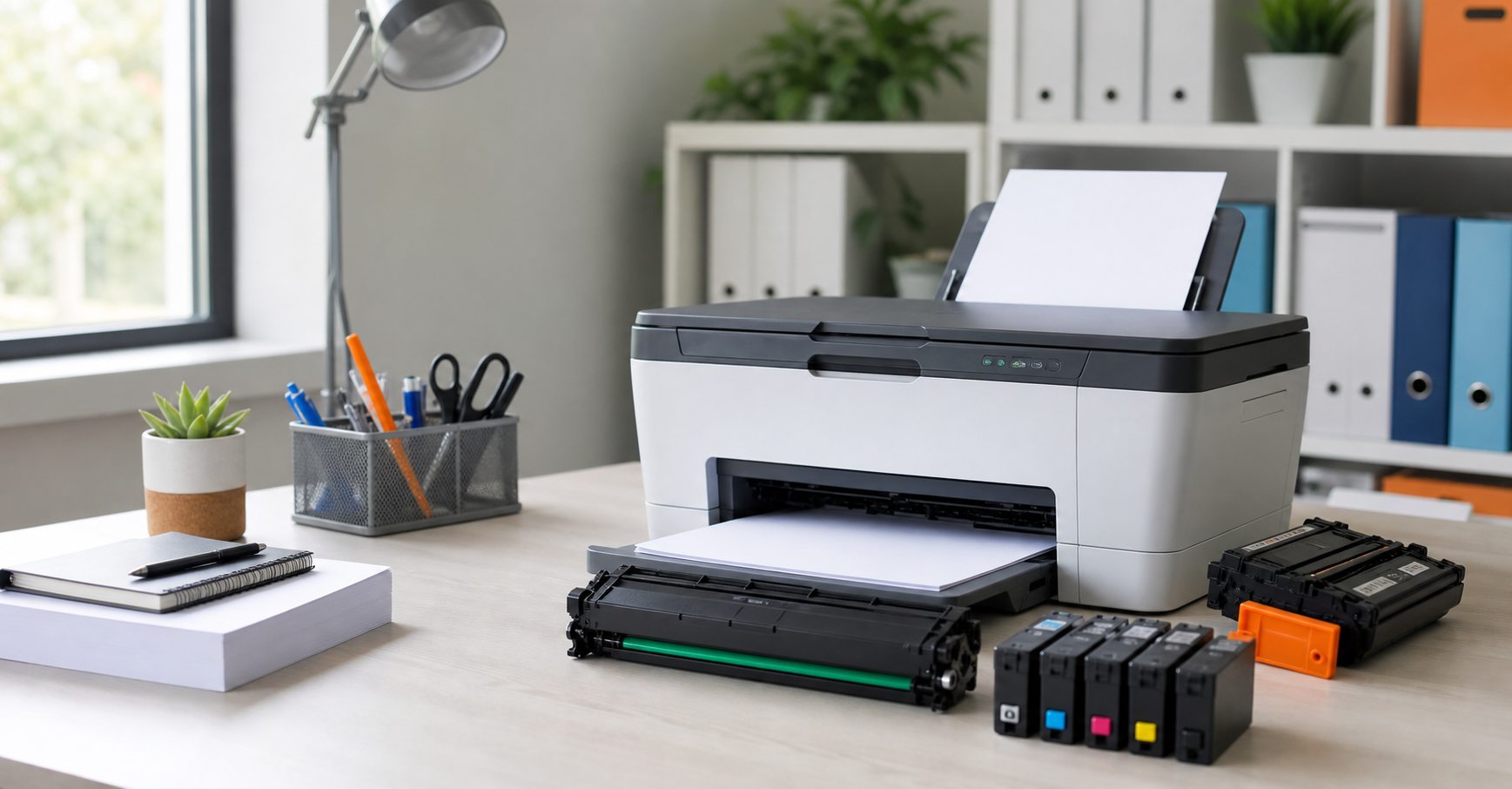
Buying a replacement cartridge is much easier once you know whether the printer is an inkjet or a laser model. Inkjet machines use liquid ink. Laser machines use powdered toner. The two systems are not interchangeable, even when the cartridges look broadly similar in an online photograph.
That distinction is the first diagnosis, not the final product match. A printer may take several colours, offer standard and higher-yield sizes, or use a separate drum alongside its toner. Before ordering, identify the technology and then record the complete model number or cartridge code. This guide explains how to do both without relying on guesswork.
First, identify the printer technology
Signs you have an inkjet printer
Inkjet printers are common in homes, small offices and creative settings. They place tiny droplets of liquid ink on the paper and often handle colour graphics or photographs well. The supplies are normally called ink cartridges. A machine may use one black and one tri-colour cartridge, or separate black, cyan, magenta and yellow tanks.
Look at the consumables area or the product label. Words such as ink, cartridge, XL, photo black or individual colour names usually point to an inkjet. Ink cartridges are generally smaller than toner units, although size alone is not a dependable test.
Signs you have a laser printer
Laser printers use toner powder, heat and an imaging process to form the page. They are widely used for regular document printing in offices, schools and busy home workspaces. Supplies may be labelled toner, laser toner or toner cartridge, often with an estimated page yield.
Some laser models use a toner cartridge and drum as separate parts. Others combine them. A message asking for a drum, imaging unit or waste-toner container does not automatically mean the toner itself needs replacing.
Check the model label instead of the front badge
The family name printed prominently on the front is sometimes too broad. Two printers with almost identical names can take different cartridges. Find the full model on a label at the back, underneath, inside the cartridge door or in the printer’s settings screen. Include every letter, number and suffix.
You can then check the manufacturer’s specification or compare the model with the code printed on the current supply. If the machine is definitely an inkjet, our ink cartridge guide explains common cartridge formats. For a laser machine, continue with the toner cartridge guide.
What the old cartridge can tell you
The old cartridge is often the clearest reference. Read the label rather than matching the casing shape. Record the complete code, including any letters that indicate colour, yield or region. If several cartridges are installed, note which position produced the warning.
A clear photograph can help when a label is worn or the naming is confusing. Photograph the label straight on in good light and include a second image of the printer model label. Do not force a cartridge out while the printer is moving its carriage; follow the machine’s replacement instructions and wait until it is ready.
Choose the next detail that matters
For ink: colour layout and capacity
Confirm whether the printer uses a combined tri-colour cartridge or separate colours. If standard and XL versions are available, both must still belong to the exact compatible family. XL usually means more ink and fewer changes, but the right choice depends on print frequency, budget and how long cartridges remain open in the machine.
For toner: yield and separate components
Check whether you need black or one of the colour toners, and whether the warning names toner or a drum. Higher-yield toner can reduce replacement frequency for regular printing, but compare expected yield, purchase price and typical monthly use. Published yields are comparison figures produced under test conditions; actual output varies with page coverage and print settings.
Avoid these common ordering shortcuts
Do not order from the printer brand alone, from cartridge shape, or from a single partial number. Do not assume ink and toner are different sizes of the same product. Finally, do not replace every colour simply because one position is low unless that suits your ordering plan. The broader printer cartridge overview can help when you manage several kinds of machine.
If the printer display and cartridge label appear to disagree, pause and photograph both. The message may refer to a different colour, an early low-supply warning, or a separate maintenance component. Keeping the exact wording avoids turning one warning into an unnecessary order for several products.
Cartridge Care Rossendale can check the information before you order. Send the complete model, old-cartridge code and required colour through the quote form. This is especially useful for workplaces with several printers or for anyone facing two product codes that appear almost identical.
Frequently asked questions
Can an ink cartridge work in a laser printer?
No. Inkjet and laser printers use different printing processes and different consumables. Match the supply to the exact printer technology and model.
Does a laser printer always need both toner and a drum?
A laser printer needs both functions, but the parts may be combined or separate. Check the manual, display message and consumable code before replacing anything.
What if I cannot find the model number?
Check the rear, underside, cartridge door and settings menu. Send photographs of the printer and cartridge label if the number remains unclear.
Know whether it is ink or toner, but not the exact code?
Send the full printer model or a clear cartridge-label photograph to Cartridge Care Rossendale for a checked match.